Author: Aidan

  • Coding with AI

    Coding with AI

    Much has been written about coding with AI. And here is some more! Although I promise you that every word in this article is from my brain to your screen with no AI in-between.

    Over the past few months, I’ve transitioned from using ChatGPT to help with researching and planning to also using Cursor to do agentic coding. It’s been useful. It’s been frustrating. On the whole, I can work faster, and I wouldn’t want to be without it. And yet, sometimes, I still code entirely by hand. 

    I’ve had many thoughts about what works, what doesn’t and some of the second-order effects of working with AI. So I wrote them down to share. 

    Let’s get started…

    Sometimes, the effort is the point

    This is not a novel thought on AI, but it’s worth re-stating…

    If you need a fast and easy way to travel 26.2 miles, then take a train or car. 

    But, if the reason to travel 26.2 miles is to improve your fitness and enjoy (!) yourself, then you’re going to have to get on your feet. In a marathon, the effort is the point. It changes you. 

    And so it goes for AI. If you want to learn a new programming language, or learn about the problem you’re trying to solve, then having an agent do all the work for you is not helpful.

    It’s too easy, too distant. Sure, it could help with the details in the same way as fancy watches and carbon-sprung shoes help a runner. But, when the effort is the point, you need to do the running yourself. 

    Sometimes the journey doesn’t matter. Sometimes the journey matters more than the destination. AI for the former, not-AI for the latter. 

    Which rather leads to…

    Friction is a signal

    When do you re-design or re-architect a codebase? When the friction of using it or extending it becomes too great. 

    We try to architect things the right amount for the expected use. Doing more is self-indulgent. Doing less is careless. And friction is a signal that tells us when we need to re-architect. 

    But AI can smooth over that friction. You want to bolt on a new function? Claude can do the PR for you! And if you LGTM that PR straight into the main branch, you may not notice any friction.

    Eventually, though, you or your colleagues will notice the pain via an accumulation of unexamined code. But, by then, the mass of individual friction signals will be hard to tease apart into useful information about how to get back to a good state. 

    Watching an agent while it works, and critically reviewing the code it produces (including asking: is this the right-sized change for the function it delivers?), helps us to stay in touch with the friction.

    Use the tools actively

    AI is like an oracle in the classical sense. What do I mean by that? Well, let’s look at an interaction with an oracle:

    In 560 BC Croesus, king of Lydia consulted the oracle of Delphi before attacking Persia. He was advised: “If you cross the river, a great empire will be destroyed”. Believing the response favourable, Croesus attacked, but it was his own empire that ultimately was destroyed by the Persians. 

    Huh? Uncritically accepting the answer that seems to confirm your prior beliefs, leads to a sticky end? Hmm… We’ve seen that in Macbeth, and we’ve absolutely seen that in  AI-related failures too.

    But AI is not an oracle. It’s a tool. You can choose when and how to wield it. You can craft an environment around your usage to make it work better for you. You don’t have to take its first answer. 

    During the research phase of a project, AI’s great to get you into the right jargon and onto the right topic, but you can and should go read the original sources after that. If hallucination fools you twice and you didn’t read the sources – that’s on you.

    When you ask AI how to do X, and it says you should use method A, you can ask it for alternatives. It will give you method B.

    You can ask it if A or B are similar to some other thing that you know more about. You can take a step back and explain your goal that lead you to ask about X.

    The more you think at this stage, the better chance you’ll have to coming to a good answer. 

    Don’t just passively take the first answer or, like an oracle, it will trip you up.

    AI doesn’t mind if you interrupt it

    I’m terribly British about not wanting to interrupt. If I’ve asked Claude to do something non-trivial, I’ll often watch its progress. And sometimes, I’ll have to overcome my politeness and hit the stop button. I may see it going down a blind alley where the best thing to do is just stop, re-orient, and get it to go again (or write the code myself). 

    Watching the agent while it works makes you better prepared for reviewing the eventual solution. It gives you the chance to chip in with details and correct false assumptions. In my experience, AI tends to write overly defensive code – to the extent that the main logic can get lost. So, interrupting to say: “We’ve already sanitised this elsewhere, you don’t need to check for that” can be useful.

    Not only does it not mind you interrupting, it also doesn’t mind if you scrap all the progress and start the conversation again, armed with the knowledge you gained the first time. Sometimes the context of your work in progress can be dragging things the wrong way. And, although it feels rude, you can scrap all that and try again. 

    AI is not an intern, despite that being a common metaphor as these tools emerged. It doesn’t learn, you do. It takes the context and rules that you shape around it, and that’s how you work together with the machine.

    You can ask it to update its own rules

    The coding tools all have some sort of rules or metadata files that set the way you want them to work. So, if the code you get back isn’t the way you want it, you get them to update the rules in your project (or user environment) to stop that happening again.

    For example, they write too many comments (and often include numbered steps in the comments), I add rules to stop them from doing this.

    I can mandate that it should prefer composition over inheritance in OO code, and I’ll get better first attempts from the AI.

    It’s a powerful way to slice through the initial annoyances when you try these tools. 

    You can even make use of the plagiarism they were trained on them and tell them to write code or text in the style of a book you would like them to adhere to. 

    Bad code no longer stinks so badly

    In the old days, your first clue about the quality of code was how it looked. Is it properly indented? Does it use reasonable looking function names? Are there tests? Unfortunately, AI nails those superficial aspects, even when it may have done dreadful things in the more abstract layer. 


    This makes it much more difficult to spot bad code. It requires constant vigilance, which can be pretty exhausting.

    Two good prongs to use to attack this are:

    1. Setting the expectation that developers ought to be reviewing code thoroughly before raising a PR.
    2. Using AI to review code before your normal human reviews.

    Although using AI to review AI seems ridiculous, you need to remember: it’s not human. It’s quite happy to criticise its own code. 

    Sometimes, you are the problem

    If you have ever assigned tasks to people and found that they didn’t do what you had in mind, it’s important to ask yourself, “Did I even explain what I had in mind?”. People are not mind-readers, and neither are AI agents.

    So, if the AI doesn’t do what you wanted, ask yourself (and you can also ask the AI) “What can I do differently next time?”. 

    Do you need to update the rules for the agent? (See above)

    Do you need to take smaller steps? If you ask too much, the agent can get confused 

    Don’t just grab a screen capture and joke about how dumb AI is on social media, ask yourself first – am I doing this wrong?

    Half-assed code can be a good prompt

    One of the arguments against AI in general is that natural language isn’t a great way to precisely describe what a system should do. We have programming languages for that. It’s a so-so argument, usually offered by people who haven’t really tried these tools.

    If you are a developer using AI, don’t forget that you’re a developer. Sometimes sketching out a not-remotely functional implementation in code can be the best prompt. 

    For example, one time I had a working solution from the AI, but it had done things by duct-taping together arrays and searching them many times to get anything done.

    I could see that a recursive tree-based approach would be better.

    But after a couple of attempts to explain my idea in a chat, I just gave up and started to write some code for my approach.

    My code wasn’t even half-assed, it was probably quarter-assed. Definitely not functional. Just the structure of what I had in mind. And suddenly, the AI could implement it properly.  

    This was still much faster than writing the whole thing by hand, it just took some thought and perseverence beyond accepting the first working version.

    If crap code is nearly-free, when should we use it?

    AI makes it super-cheap to write code. Maybe not always good code, but cheap. And NOT ALL CODE HAS TO BE GOOD. Cheap code is a new phenomenon, and we should look for opportunities to make the most of it. 

    For example:

    You can automate every part of your dev and test setup. Low-risk scripts that are owned by developers are easy to knock out with AI. What might have taken a few hours of remembering the intricacies of bash is now just moments away. So go script all that stuff immediately. Almost any sequence of steps you take can be scripted, even if you think you’ll only do it once, you can keep the script in case you ever need to do it again. 

    If you’re working with a hard-to-predict system (e.g. Salesforce Lightning, or humans) you can throw up prototypes to A/B (and C/D/E/…) test scenarios in a way that would never be economic before. AI’s not building the whole system here, just prototypes that you can throw away and build more carefully using the winning approach. 

    A technique I often use when debugging is to make a simpler version of the broken thing, where the simpler thing works. And then I would either modify the clean version, or the broken version, making one more like the other until I find the point where things move from working to broken. AI can massively speed this up by generating many points on that scale from simple + working to broken. We can try them all of much more quickly find where the failure lies. 

    You can build diagnostic tools. While I was struggling with connectivity in an Azure virtual network, AI built a tool to check the network stack step-by-step, isolating the fault. Which meant that each time I made a potential fix, I could easily re-run the tool. Once the configuration issue was resolved, I could ditch this free code and rely on integration tests.

    Everyone becomes a reviewer of code

    Reviewing code changes is hard. Incredibly hard. It takes experience, and knowledge of the system to be able to see the consequences of a change. It takes knowledge of the business and tech environments to consider alternative approaches. It’s something that’s normally reserved for the more experienced engineers.

    But AI makes everyone a reviewer. The most junior developer working with agentic AI is now expected to review the output of the AI. Maybe this will turn out to be a good thing, shifting the emphasis from getting the curly braces in the right place to being able to engage in systems thinking. But it takes explicit recognition of that change to avoid setting up new developers for failure.

    Beware the false promise of 100s of tests and 100% coverage

    You can very easily do development-driven testing where you (or the AI) write the implementation first. Then you feel like there ought to be some tests. You prompt the AI “Write some tests for X”. Tests are created, they all pass and you have 100% code coverage. 

    But like other code, this test code is useless if it’s unexamined. Problems I’ve found in AI-generated tests include:

    • Missing entire classes of behaviour
    • Using so much mocking that you could remove chunks of implementation and all tests still pass
    • Attempting to reuse the same state for all tests and reset it every time so that all tests passed one-by-one, but failed as a test suite
    • Underfitting by asserting too loosely (e.g. the API returned a response, but not checking what’s in the repsonse)
    • Overfitting by asserting sequences of method calls that should be private to the implementation

    If you have 100 AI generated tests that make no sense, you can ask it to consolidate the tests so that they don’t overlap so much. And then examine the results.

    AIs work really well with a good test suite. But they also offer a very tempting path to a large but problematic test suite.

    Summing up

    What does this all mean? Largely, that the same old rules of coding still apply with AI – only faster. We have some new capabilities, and some new tools to learn. AI coding is neither a silver bullet nor a plague on our profession. It’s another layer, another tool that we could hurt ourselves with or benefit from. 

    Take it from someone who splits wood while wearing flip-flops, learning to use your tools correctly really matters.
  • Running With Anuk

    A post shared by Aidan Harding (@aidan.harding) on

    If you want to see unconfined joy in movement, you need look no further than running with a dog. When I run with my dog, Anuk, he doesn’t know how far we’re going; he doesn’t know where his next chance to drink will come from; he just looks up with big brown, trusting eyes and follows my lead. It is uncomplicated.

    It can take me 30 minutes of running to fully leave behind my day-to-day thoughts. For Anuk, the jangle of the wrist-strap on my GPS watch is enough to get his mind on the trails before we have even stepped outside. Knowing the joy it will bring him has often been enough to get me out the door when tiredness or laziness could have won the day.

    A post shared by Aidan Harding (@aidan.harding) on

    On a run without Anuk, a gentle downhill through a meadow might be a chance to rest and ease off the pace. With Anuk, he waits for me to close the gate, and then he is off. Earlier, he might have been trotting with his tail up, now it’s long strides and his tail flowing behind him. I can’t resist the call, and quicken my pace to match him. We fly down the hill, his tongue flapping and my arms waving to balance my two legs. I might think I’m doing OK keeping up with him, unless he sees a rabbit. If that happens, I soon find out how much speed he was holding back.

    A post shared by Aidan Harding (@aidan.harding) on

    On the singletrack coastal trails of the South West Coast Path, I have to be careful. Rough ground and narrow trails along the cliffs mean that I have to watch my feet. And that can lead to me running right past the outstanding views. Except that when Anuk is in front, and he sees a good view, or he smells a good smell, he just stops. I often pile into the back of him. While I’m briefly annoyed, I’m soon glad to be reminded of where we are and how to appreciate it.

    A post shared by Aidan Harding (@aidan.harding) on

    We are very much in it together on the long runs. One long Exmoor run in the summer started out by following The Barle. I knew it was hot, so I’d planned to stay close to rivers, allowing Anuk opportunities to cool off. The first section was all fine, bounding over the rocks and shady trails. We cooled our heels at Tarr Steps, then crossed over to The Exe. Climbing over the moor was incredibly hot, but we were rewarded with another river and more shade. Then, things started to get difficult. My planned route back over the moor to our start point at Withypool made use of some less well defined tracks. Tracks that turned out not to be there, and resulted in us slogging up stepped fields in the hot sun. Swatting horse flies, and sharing the last of my water with Anuk, I had to get the map out and find us a guaranteed way back home. Doubt was nipping at me as much as the flies, but eventually we reached the lane I was looking for and had our guarantee. We trotted at Anuk’s pace – so gentle now that I wasn’t even sweating in the heat (if you’ve ever run with me, you’ll barely believe such a pace exists) – gradually eating up a mile of tarmac.

    A post shared by Aidan Harding (@aidan.harding) on

    The watch said it wasn’t, but if felt like a long time down into Withypool. I could feel the effects of dehydration on myself, and I could read Anuk’s ears to see that he would be very glad to see the river again. Once we were down there, though, and bathing together in front of bemused tourists, the world changed colour. We were cool, refreshed, and Anuk seemed ready for another lap. I was not.

    A post shared by Aidan Harding (@aidan.harding) on

    There really is no feeling like running through the woods, with the smell of loam in your nostrils and a large dog running by your side. At its best, running can feel bring on an incredible connection to the land you’re moving through. With my canine companion, it is all the more intense.

    I just wish I didn’t have to carry out his poo.

    A post shared by Aidan Harding (@aidan.harding) on

  • The puzzles of pain-free running

    Fantastic morning light for trail running in the local woods #runwithstrava #Devon

    A photo posted by Aidan Harding (@aidan.harding) on

    Really, how much technique can there be to running? The clues are there: top marathon runners do a whole marathon faster than I can run downhill for a mile. Top ultramarathoners run further in a race than I do in a week and their bodies cope with it.

    Running leaves many bodies in its wake… People who get so injured that they turn to other sports. People who flip-flop between running hard and having injury lay-offs. I’ve been trying to avoid becoming one of those bodies that gets sucked into the wave of running, only to be left bobbing up and down – knees crepitating in the swell; turgid tendons swollen and useless. I’ve been trying to figure out how to ride that running wave unharmed.

    It’s been a struggle and a puzzle and a learning experience.

    At first there was the outright effort. Burning lungs and whole-body aches. No frewheeling, no easy miles. A great rush of exercise endorphins afterwards, but little to enjoy during the run.

    Romping in the buttercups

    A photo posted by Aidan Harding (@aidan.harding) on

    And then came Anuk, my Husky x German Shepherd running buddy. Suddenly, his joy for running became my joy for running. He is a rescue dog and had obviously not run much in his previous life. My concern for his joints made me more conservative in building up the mileage than I had ever been when it was just my own wellbeing in the balance. As we ran, the immediate suffering of running passed.

    Emily and Anuk running on the coast path #stravaphoto #Exmoor

    A photo posted by Aidan Harding (@aidan.harding) on

    I could enjoy a run, we could roam around the Coast Path and the moor. But pain was lurking. Shin splints were something I had encountered before, and never got past. So, I turned to the internet. Joe Uhan on iRunFar had an excellent article on basic running form that started to sort me out with two basic concepts:

    1. Lean forward
    2. Flex and extend the extremities

    By leaning forward and shortening my strides, I was putting less strain on my legs and the shin splints went away. By keeping a lid on the distance I was allowing my joints and bones time to develop. By coincidence, I had been watching a documentary on BBC4 that showed how you could identify longbowmen from their bones because one arm would have denser, bigger bones to accommodate the muscle and bear the load of firing a great big longbow. I had moved from non-weight-bearing exercise on a bike, to the weight-bearing exercise of running. In a minor way, I could expect some adaptations in my own bones: as long as I gave them time.

    For a while, then, there was no pain. I had solved running.

    There was the minor puzzle of toe blisters on longer runs – simply solved by tugging the ends of my socks to give some wiggle room before putting on my shoes. There was the minor irritation of my heels getting pulled out of my shoes in mud – solved by lacing them the fancy way.

    Then the achilles tendon pain came in. My achilles was getting swollen, less mobile, and quite painful in the mornings. It would loosen during a run, but I didn’t seem to be on a sustainable trajectory. I looked to Joe Uhan again. Which has turned my exaggerated forefoot landings into more of a wholefoot landing. Again, coincidence threw more evidence my way with this report on Kilian Jornet’s footstrikes (if you don’t know who he is, prepare to go down a rabbit hole of insane videos. You could start here). In retrospect, it seems obvious: variation is good. And different footstrikes are suitable for different situations. So I tried to be more varied and more adaptable. I tried to further increase my cadence and decrease my stride length. The pain got better, and I could run faster down hills.

    When your feet can't get any more wet & muddy, you might as well stand in a river and make them just wet

    A photo posted by Aidan Harding (@aidan.harding) on

    I don’t want to make a beautifully simple sport complicated, but I don’t want to blunder into doing myself harm. One thing I have learned about endurance sports is to listen to your body. Sometimes, the correct response is “Shut up legs!“. Sometimes, the correct response is to stop; figure out how to make it stop hurting; then go again, but with better technique. It makes a nice challenge that I had never even considered as part of running. Add that to the simple joys of bounding across the hills with a dog at your side, and there’s a lot of fun to be had in learning the ways of two feet.

    Another one for the folder marked "Sunsets with Anuk"

    A photo posted by Aidan Harding (@aidan.harding) on

  • A couple of stories published

    I’ve put together two different stories in two different sports recently.

    First, biking the Iditarod Trail Invitational, for Sidetracked. Fantastic photos from RJ Sauer, great layout from the Sidetracked guys, and words that I spent a long time agonising over. It was hard to choose what to include and what to leave out from such a long journey, hard to keep the writing plain enough to be readable, but not lose the feeling of being there.

    http://www.sidetracked.com/iditarod-trail-invitational/

    Second, trail running on the Southwest Coast Path for the Strava blog. Andy Waterman and his girlfriend Laura came down to North Devon for a big trail run. He took amazing photos, and words just splurged out from me.

    http://blog.strava.com/coastal-drifters-9492/

    I’ll write something for this blog soon!

  • Some Things I Have Learned From Bikepacking

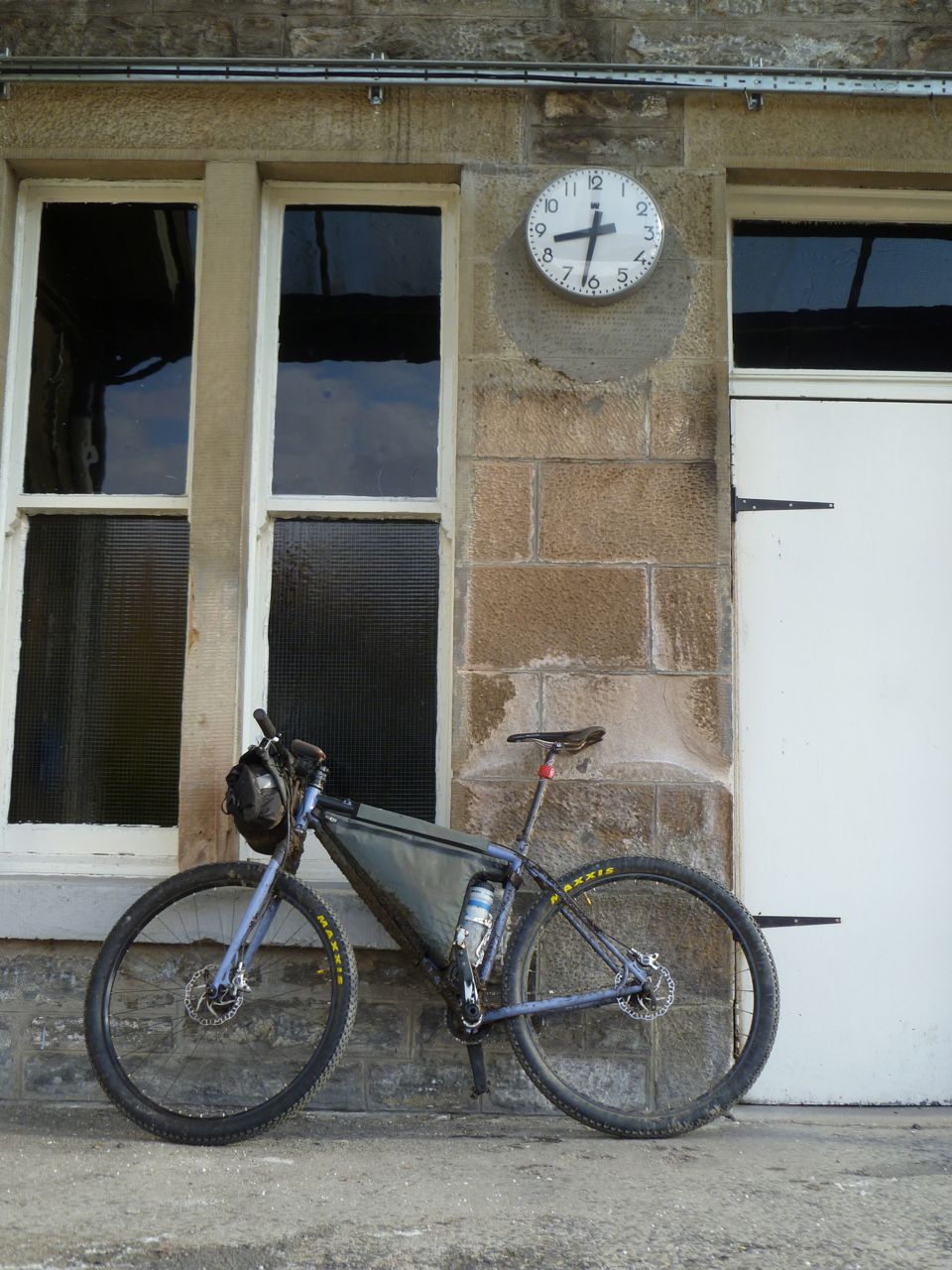
    End of Cairngorms Loop
    End of Cairngorms Loop

    I’m somewhat looking back at bikepacking. But also looking at other adventures (canoeing, hill walking, running) and trying to figure out what I’ve learned. A lot of it is pretty transferable amongst any activities “out there”. Hope you find it interesting. I’m certainly interested to know what other people have learned.

    Learn the right lessons

    Just because things went right, it doesn’t necessarily mean that you did the right thing. Equally, just because things went wrong, it doesn’t necessarily mean that you did the wrong thing. Every day is a school day, so make sure you learn from it.

    Sometimes you might get away with very light kit or very little food. You might ride into the high-country storm and not get hit by lightning. You might cross the waist deep river and not get swept away. But your approach may be an accident waiting to happen. The more trips you go on, the more willing you will be to carry key items just in case. Personally, if I can’t walk out of wherever I’ve ridden my bike into (possibly with some level of discomfort), then I don’t think I have enough gear. If someone credible questions my decisions, even after a successful trip, I’ll take that on-board.

    On the other side of things, nature can serve you up impossible situations. Just because you didn’t finish the route (today), get to the summit, or ride through the night, that doesn’t mean you failed. In a race, some other rider might roll the dice where you played it safe. Just because they got away with it, that still doesn’t mean you were wrong.

    It’s hard, but the end results are an imperfect guide to the quality of your decisions.

    Moderate your effort

    Do not underestimate the control that you have over your effort. If it’s wet, humid, and changeable, slowing down to avoid sweat is an option, don’t ignore it. It could work better than stopping to take off your jacket, getting chilled when the wind picks up, and then having to stop once more to put it back on. If you’re riding in extreme heat, riding a fraction slower can reduce your sweat and help your progress. If you’re not going to ride all day at 100% (you’re not), then take the natural opportunities to slow things down when they occur.

    Equally, do not be afraid to put the hammer down when it makes sense.

    If you need to outrun the weather, or put some fright into competitors in a race, or just hit some trail hard for your own satisfaction, it might be time to ride well beyond your all-day pace.

    It’s easy to think that riding long distances is all done at one lolling “endurance” pace, but let it ebb and flow.

    Be comfortable out there

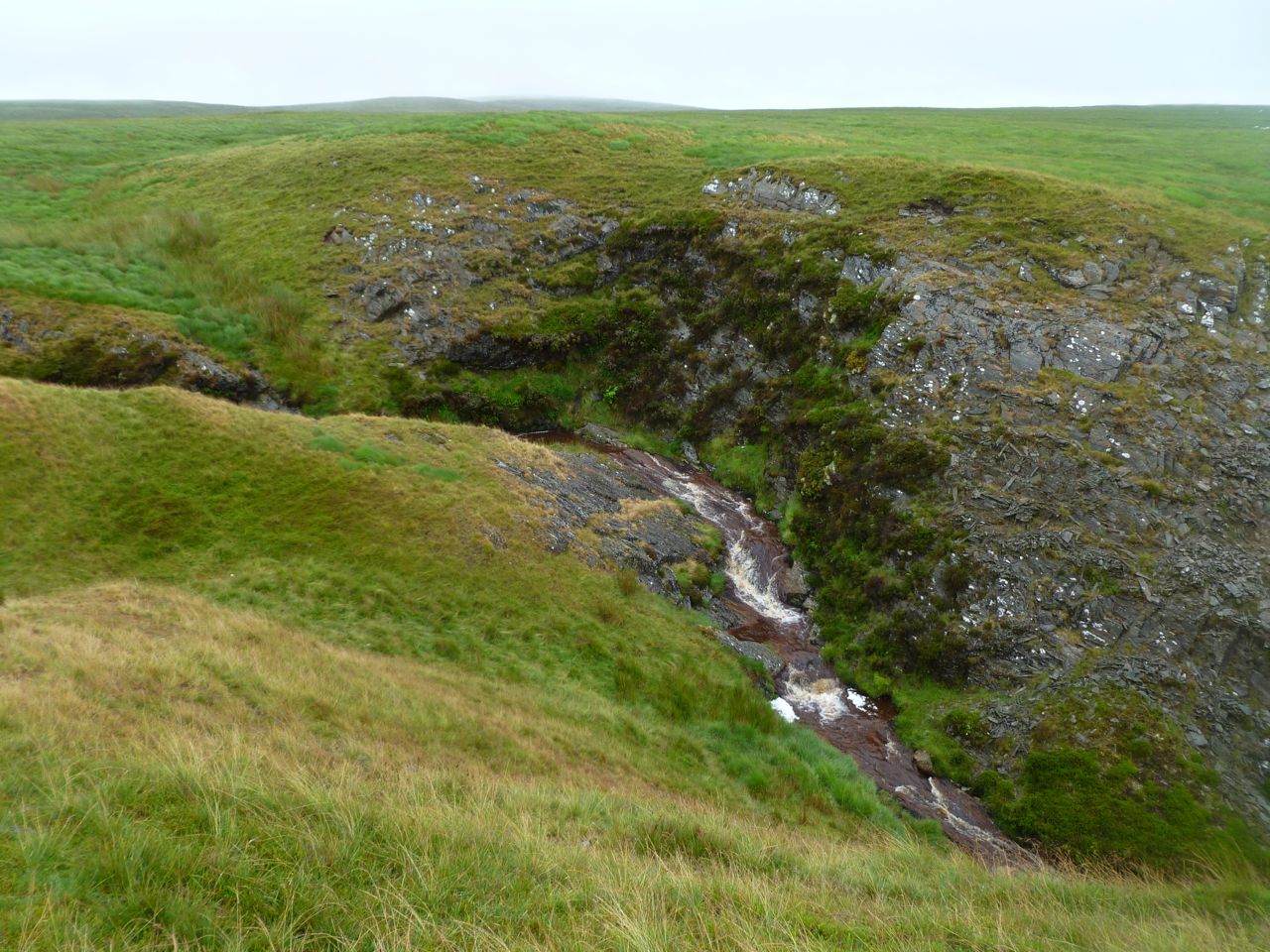
    Nowhere, Wales
    Nowhere, Wales

    It’s pretty easy for mountain biking to be no more wild than a trip to the park. That’s how I used to do things: I’d go ride my bike for a few hours, and be home soon afterwards.

    If my waterproof setup didn’t really keep me dry (realistically: didn’t keep me warm), it didn’t matter: I could dry out (warm up) afterwards.

    If I couldn’t navigate, it didn’t matter. I’d always be in familiar places, riding with people who knew the way, or (once they started to appear) I could follow the trail centre arrows.

    If I got cold and grumpy and neglected to eat, that would be OK. Anyone can ride for few hours without the need to eat.

    Many decisions and attitudes were oriented around mountain biking being short-duration and close to help. So, when I first started training for self-supported and multi-day trips, the first aim was to be out all day. It didn’t really matter how many miles I rode, just as long as I kept moving forwards and found some sort of mental balance out there.

    One you adopt that approach, you start to deal with niggles early. If clothing is rubbing, or something sounds wrong with the bike, then now is the best time to fix it. You choose different kit: if you really can’t stay dry, you bring things that work when wet. You learn about your environment, so that you can use natural navigation to get out of a tight spot, you recognise changing weather patterns, you know first aid. Essentially, you become competent to be allowed out in the mountains.

    All this gives the confidence to go further and/or faster, knowing that you can work with the land to take care of yourself. Without that, it’s a dash back to civilisation.

    Be efficient

    Get your technique on the bike right. Poor techniques are eventually going to show up show as injuries. So keep your upper body relaxed, keep you limbs aligned, keep things easy. What hurts after an all-day ride? What can you do to eliminate that pain? If your muscles are pounded and your contact points are a little sore, then you’re on the right track. Anything else (knees, ankles etc.) is a sign that you need to address conditioning and/or technique.

    On the Yukon 1000 canoe race, I finally put together a decent paddle stroke because there was no other way to keep paddling for the required number of hours. Every dumb thing that I did caused a problem. Eventually, I found myself doing more and more of what coaches had told me to do. It felt natural because it relieved the pain. I was lucky to finish without injury. Only experience from biking really saved me. I knew to play around with my technique before the pain became unbearable. That way, I blundered into doing it right. Do yourself a favour and figure this out before your big trip.

    Recognise spirals and lemons

    An ounce of prevention...
    An ounce of prevention…

    When things go wrong, they tend to go wrong in one of two ways:

    1. A series of random events that would not, by themselves, be a big problem. Like a fruit-machine, when they all line up together, you suddenly hit the jackpot (of woe).

    These are often preventable with little correct decisions. Take the food you need, plus a bit. Take spares (and the tools to use them). Know the weather forecast. All these things could prevent you from ending up stranded with an unfixable bike and no food in a hailstorm. The walk home on a summer’s day might have been fine, but if you expose yourself to too many lemons, you could get caught out.

    2. A spiral of events where poor decisions leads to more poor decisions and, gradually, you find yourself in a bad way.

    Again, this is preventable, if you keep your head straight. An example would be when you blow through a potential resupply in order to get further down the trail (bizarrely, this is easier to do when you’re hungry, grumpy, and belligerent). As the light is falling you postpone putting on your lights to save batteries. You reach a snowline, but press on to get through the pass and back down again before camping. The trail forks, but one way is clearly more used so you take it. You find yourself off-route, in snow, with little food, fumbling around for your light. You don’t have the camping equipment for snow. This could continue to spiral to the point where you need rescue, or you could start making the right decisions.

    Summing up

    Just some thoughts… I don’t know everything. It is illustrative, though, of how different this riding can be to normal mountain biking. In a great way, though. It engages more skill and craft. It takes more time to hone. And it never stops teaching lessons.

  • “What’s the matter? Your bike broken?” – Running Onwards

    I never thought that I would enjoy running as much as I do. I never really thought that I see my love of riding wane. But both of those things seem to have happened.

    Right now, I don’t have a “Next Challenge”. The Iditarod Trail Invitational in February (story to appear in the next Sidetracked Magazine) and the Yukon 1000 in July were fantastic, but costly. Having recently moving house (and had the standard shafting from the bank), I’m pretty cleaned out financially. So there is no next adventure (yet).

    It was always “easy” to train for bike adventures because I loved riding. Sometimes it was difficult to get out of the door and onto the bike. Sometimes it sucked to put on my wet shoes, or hose down my clothes in the dark and the rain. But I always knew that, not long into the ride, the outright fun of riding bikes would make it all better. Now, though, the faff and the expense seem to outweigh the outright fun.

    It’s not time to sell all the bikes and sack it all off, but it is time to do what seems like the most fun. Pursue the kind of drives that made mountain biking so much fun in the first place: getting outdoors, pushing yourself, having those shared secret moments of boundless enjoyment in your own little world.

    So paddling (canoe and sea kayak, mainly), climbing, and running seem pretty legit. All activities that I have been unable to commit to in the past, due to riding. Now’s the time to see what they can offer when I give them the time and effort to reap their rewards.

    Which is why I ended up setting out on Trentishoe Down this morning to run a section of the Southwest Coast Path. Regular running with the dog had got me the fitness, now it was time to go on a more adventurous trip. (Note: Anuk is awesome, see here. But he has a cut on his paw, so he’s off running for a few days)

    SW Coast Path, near Trentishoe Down

    A photo posted by Aidan Harding (@aidan.harding) on

    In the car, moments before setting out, I felt the nervousness and uncertainty that had accompanied early mountain bike rides. Could I really make this run? What if things went wrong? It seems cold out. One use for my experience of other adventures is that I know which of these thoughts to listen to: at that moment, none of them needed to be listened to.

    The wind was blowing hard, chilling me before I had had chance to warm up. The rolling green hills of the approach to the coastal path were lost on me. I was keen to be moving, and be warm. I wanted to start ticking off distance so that this would feel more real. Almost immediately, I was sliding around in the mud. Aforementioned financial reasons (and knowing nearby bits of the path to be gravelly rather than muddy) meant that I was running in my regular road shoes. I trotted. If I were riding a bike the way I was running, I’d be that guy with both brakes on hard. Limbs all tense. Probably dragging a skid the whole way down the descent. As the trail flattened and did turn more to gravel, I could appreciate the cliffs laid out ahead of me. It was a special place and it was mine. This was simple, it was flow and smell and sound and being. The morning sun was still too low to reach much of the path, but when I turned up Heddon’s Mouth Cleave, it lit the mist and bracken with gold.

    SW Coast Path, Heddon’s Mouth Cleave A photo posted by Aidan Harding (@aidan.harding) on

    Coming down steep steps and across some scree, I thought back to the runner I had seen on Ben Nevis years back. I did not resemble them, but maybe one day I could. The low-down woods and the babble of the river were a different, quieter world. They were warm and inviting. Some easy going on the flat to stretch out my stride again.

    Climbing out was remarkably like climbing on a singlespeed. No way to make it easier, just tap it out like the top is 100 miles away. Hard, but sustained effort. Sun tipping onto a few outcrops and Wales sitting in the far distance.

    This was cool. This would actually be fun to ride. But on a bike, the drop to Woody Bay would be over in a flash. On foot, I try to read a mosaic of leaf, rock and root. It was fine, fleet, going.

    Coming out at the water’s edge, I felt good. But I had just been going downhill for nearly a mile.

    SW Coast Path, Woody Bay

    A photo posted by Aidan Harding (@aidan.harding) on

    Reassured that I was going to finish my planned route, I headed back up the hill. More light was coming over the cliffs now, and I could feel the presence of the climb back up Heddon’s Mouth Cleave looming ahead of me. Strava has it a > 40% gradient and that doesn’t seem too far wrong.

    SW Coast Path, out of the valley and into the light

    A photo posted by Aidan Harding (@aidan.harding) on

    As the trail kicked up for the final time, I had nothing left to kick back with. I was walking briskly, but still moving. Wondering if my legs would come back to life when the trail gave me a chance. The dilemma of running clothing meant that I would be pretty cold if they didn’t. Of course they did, and the final miles were just a job of closing out.

    I don’t think this run will go down as an epic adventure. But, it was a chance to taste uncertainty. It was another beautiful bit of Devon. And maybe this is where more adventures may lie. Cheap, local, directly connected with the ground.

    http://www.strava.com/activities/214133199

  • Strava stats from the Yukon 1000

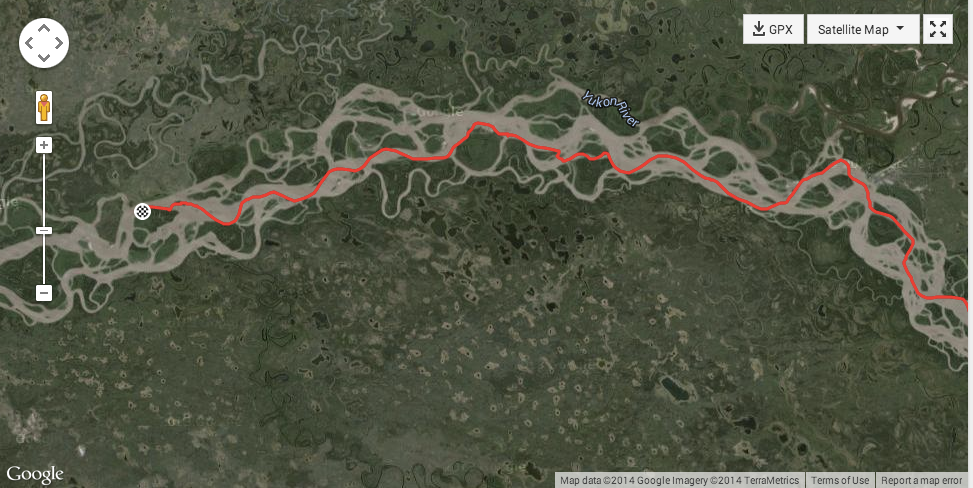
    Stats from the Yukon 1000 below…. Not just stats, also a chance to see our wiggly line through the immensely braided Yukon Flats (the last 3 days). In case you don’t paddle big rivers yourself – we kept moving from side to side so that we could find the fastest flowing water. 9 times out of 10, the faster water is quicker than taking the inside line or a shorter channel.

    2014-08-15_1657


  • A few picture from the Yukon 1000

    Emily and I recently paddled the Yukon 1000 Canoe and Kayak Race. Writing about it is going to take a little while but, in the meantime, here are some photos…

    Thanks to Ainsworth Paddles and Clipper Canoes for helping us out with excellent kit!

    [singlepic id=245 w= h= float=none]
    [singlepic id=242 w= h= float=none]
    [singlepic id=244 w= h= float=none]
    [singlepic id=241 w= h= float=none]
    [singlepic id=243 w= h= float=none]
    [singlepic id=240 w= h= float=none]
    [singlepic id=239 w= h= float=none]

  • Back to The Yukon (this time, with a paddle)

    In a couple of days, Emily and I will fly out to Canada to race the Yukon 1000 Canoe and Kayak Race. It is 1000 miles from Whitehorse, in Northwest Canada, to the Dalton Highway in Alaska. We will be using a Clipper Jensen WWII Canoe. We’ll pick up the canoe when we get there. After all, if you’re going to buy a “Canadian Canoe”, you’re best buying a Canadian one. And we’ll be using paddles from Ainsworth in the UK.

    The event shares some of the best features of the great bike races…

    • It is unsupported: we will paddle the whole thing with no race support. There may be the occasional opportunity to stop at a village, but we will be packing supplies for the entire trip.
    • It is one continuous stage: there are no checkpoints or mandatory places to stop. You are required to stop for a minimum amount of time each night as the river can be a dangerous place for the sleep-deprived, but we choose where.
    • Wild camping!
    • Remote places: the river is pretty far from civilization and is a constantly changing environment

    We’re expecting to take somewhere around 2 weeks. The river flows fast (in places) so that should help to keep the daily miles up. Each night we’ll be planning to have dinner on the riverbank, then move on for a few hours before making camp. That will help to make sure we don’t smell like tasty bear-snacks while we sleep. As required by law (and common sense) food will be in bear-proof containers.

    The river itself goes through both mountains and flats. In the more rugged sections, there is some whitewater but nothing too extreme. Lake Laberge (just north of the start) has similar conditions to the big Scottish lochs – if the wind picks up, the waves will pick up with it. So we could be working through 6ft waves, or zipping across a mill pond. Across the flats, the river braids out: this means less flow and (likely) more wind.

    After a mere 140 miles of Yukon during the Iditarod, it’s time for a big dose of the big river.

    The race starts on 21 July , you can follow our Spot Tracker here:

    http://share.findmespot.com/shared/faces/viewspots.jsp?glId=0iqgEs9TFinAt6poc6odmYLIst2LqLdDh


  • Devizes to Westminster Canoe Race

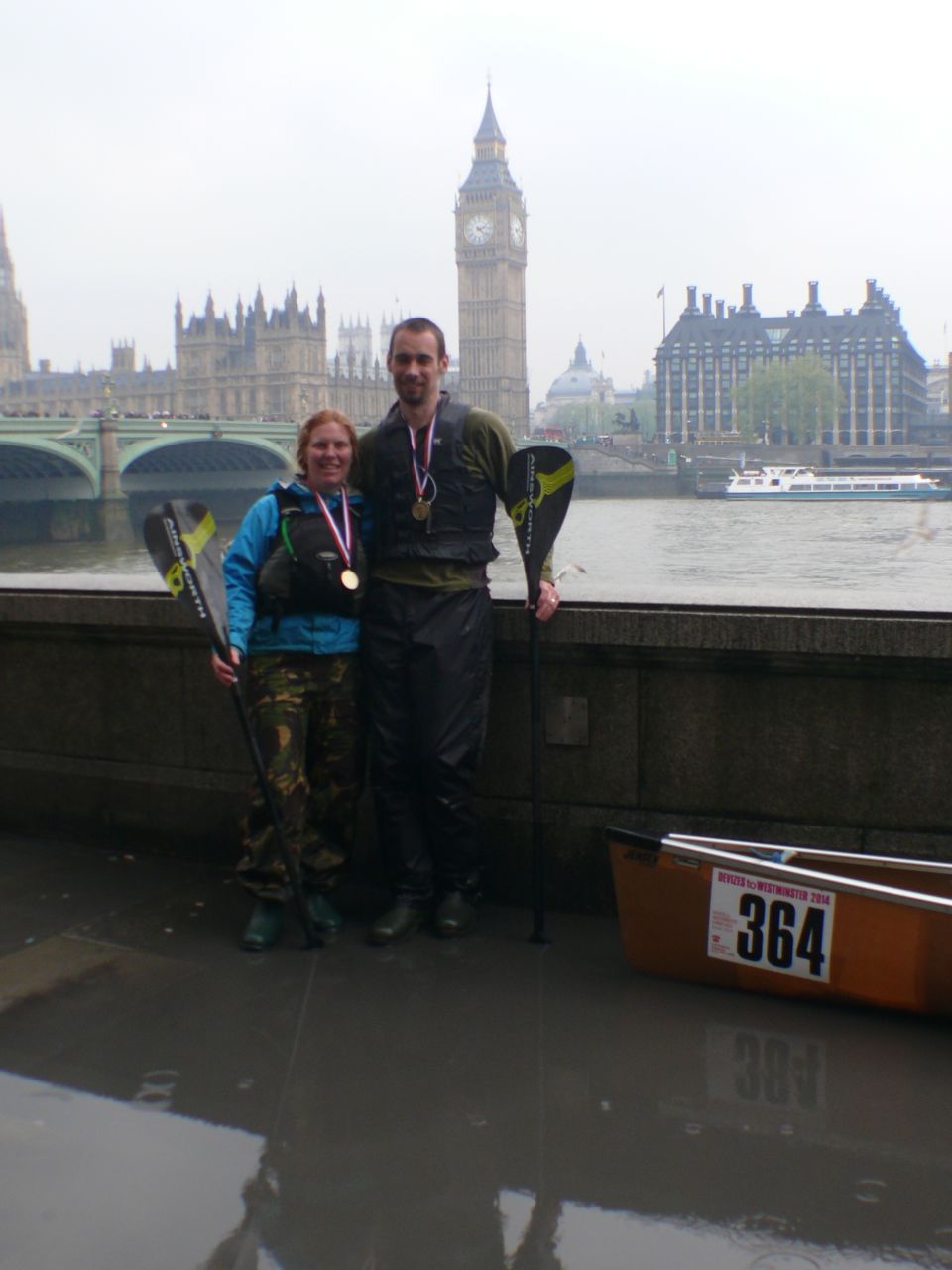
    Over the Easter weekend, Emily and I paddled the Devizes to Westminster Canoe Race. 125 miles, 77 portages, and no sleep. (Strava track here)

    type1

    It was a whole different experience to racing bikes – a lot of it was type 2 fun (don’t know what type 2 fun is?). Just going and going, and endlessly paddling. It took us 30 hours and 42 minutes to finish. We spent almost all of that time paddling, with no sleep at all (aside from the occasional head-bob during the night).

    The Canal

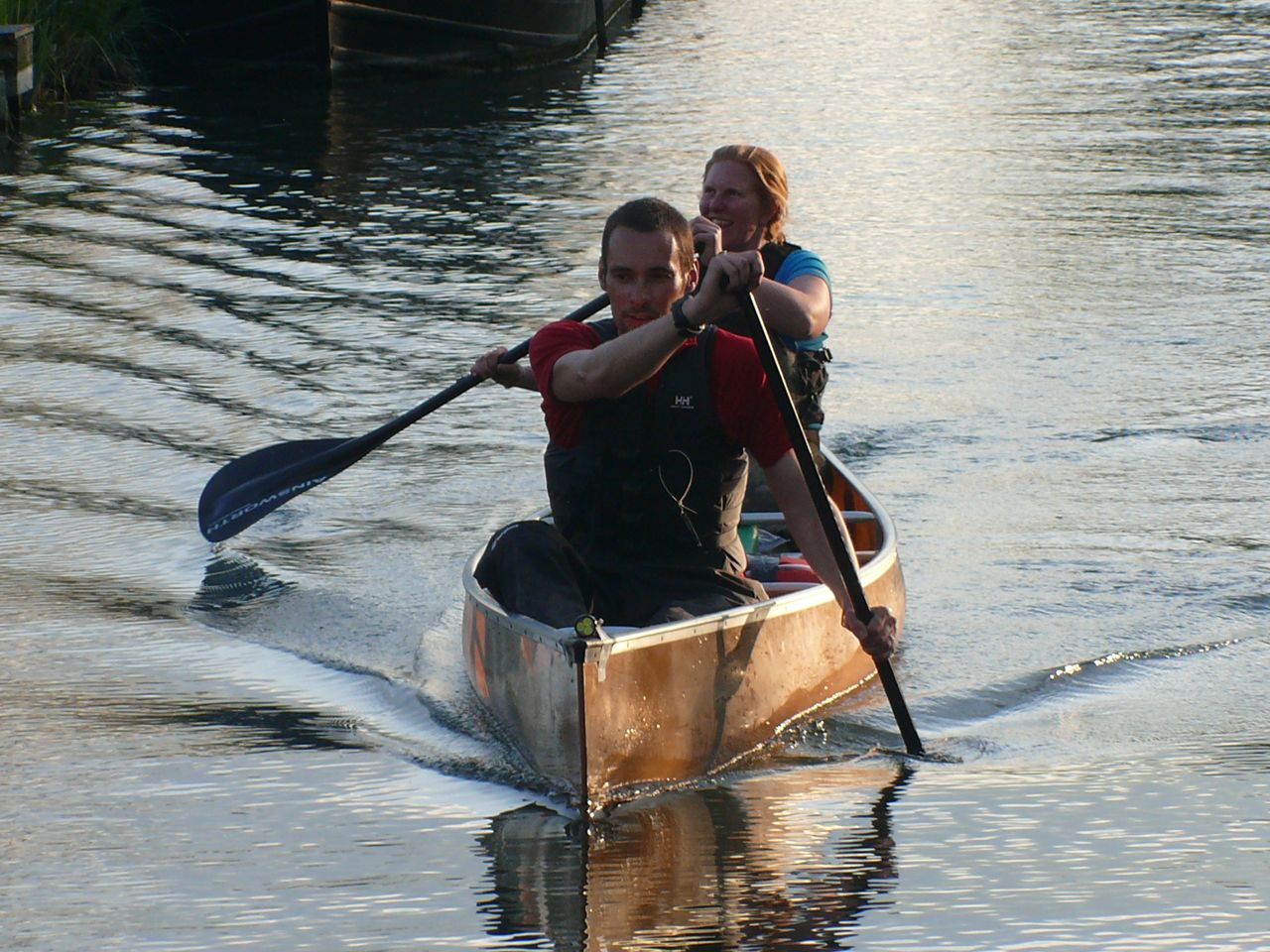
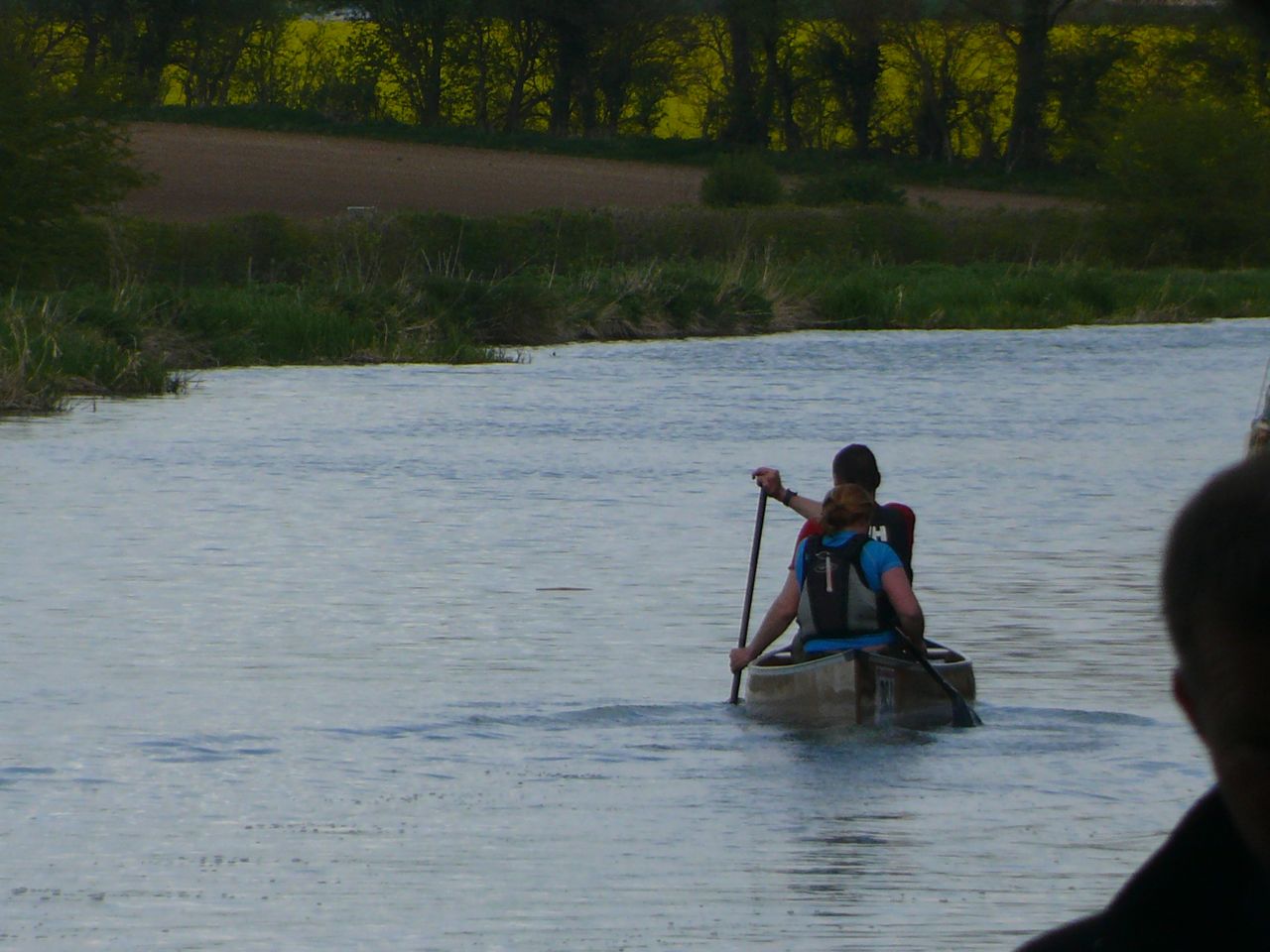
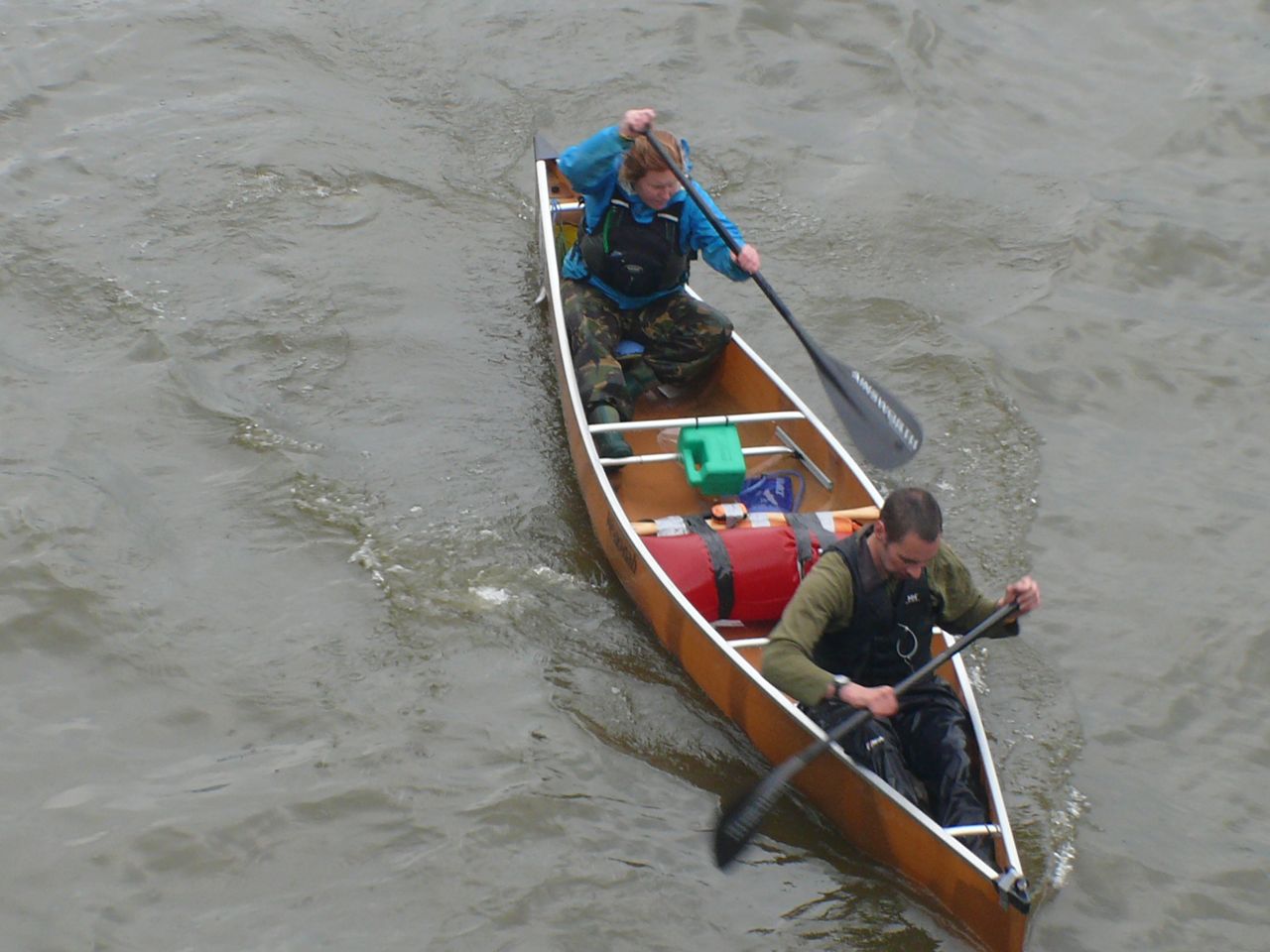
    From the start, there is 16 miles of uninterrupted canal along the Kennet and Avon. It’s a peaceful amble though Wiltshire and we found ourself setting a nice pace. The new Ainsworth carbon paddles and the super-fast canoe that we’d borrowed from Geoff and Babs were making a big difference. Thinking all the way ahead to the first 10-hour cut-off, we were on a pace to get through with no problems.

    blue_water

    You can choose when to start (mostly between 7am and 12pm), and we had gone early. The long-term goal was to reach the tide at Teddington – if we missed that, it would be 12 hours delay to wait for the next one. So, throughout the day, faster crews (who had set off later) came past. Everyone was friendly, and many of them were from the armed forces.

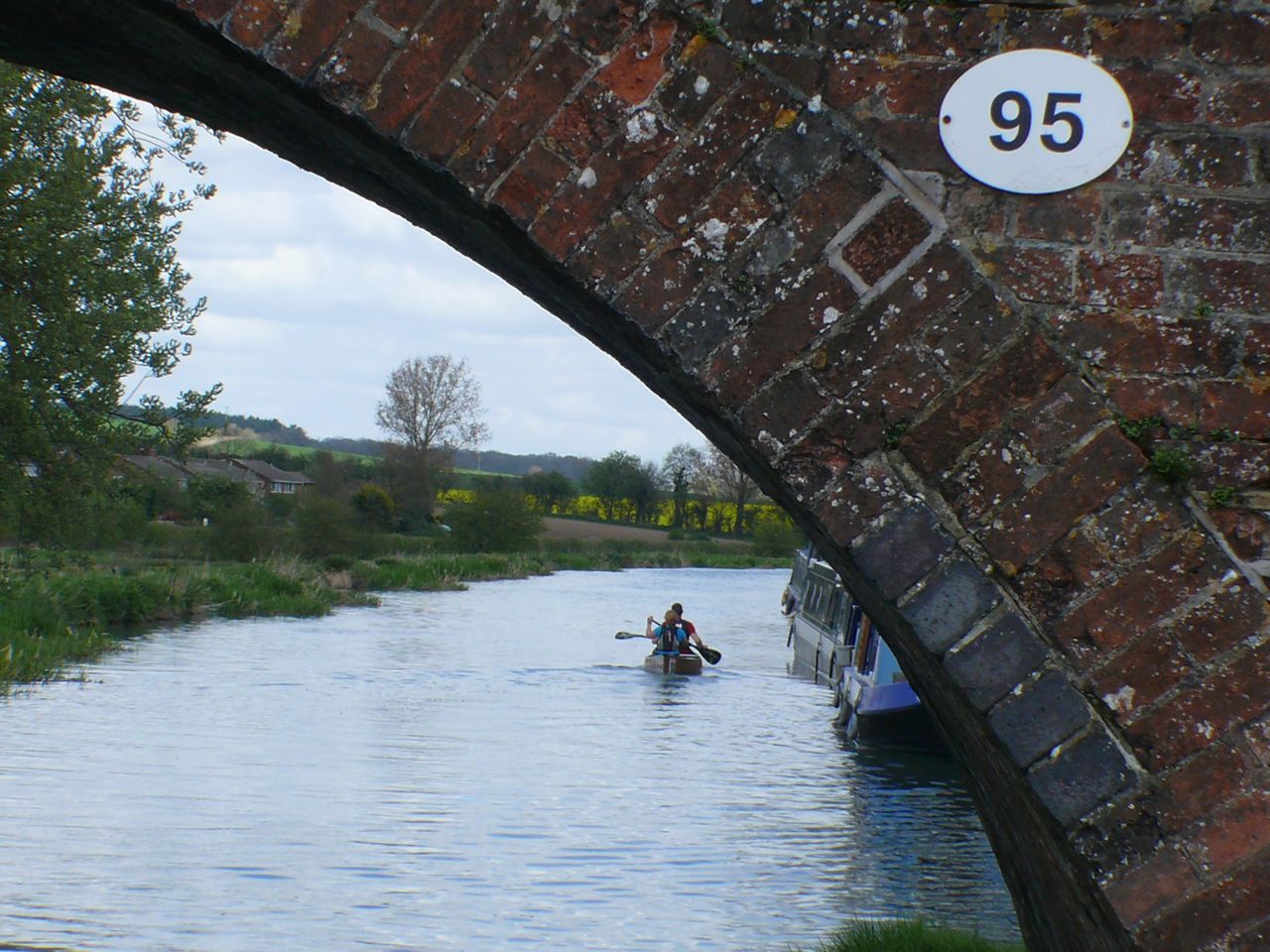
    bridge

    The Portages

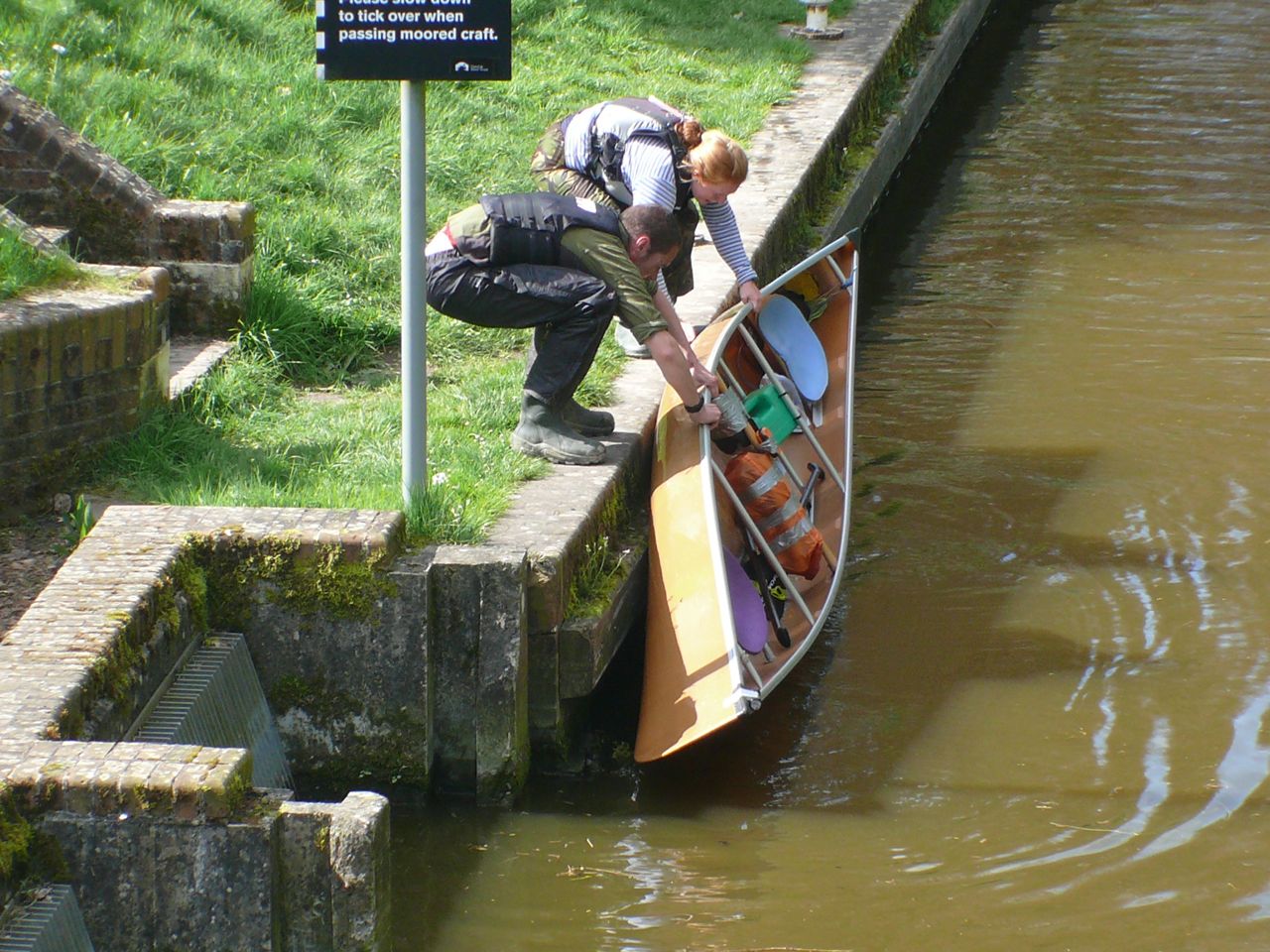
    One of the distinctions of the DW is the number of portages. With many locks to travel through, there is no time to go through like a canal boat. You hop out and carry the boat along until you can resume paddling. Our nearest canal (The Great Western, near Tiverton) has no portages, so we had practised by just getting out every time the canal went under a bridge. This paid off in the race, as we were pretty slick. Our good routine, and the open boat meant that we gained ground on kayakers during sections with a lot of portages.

    portaging

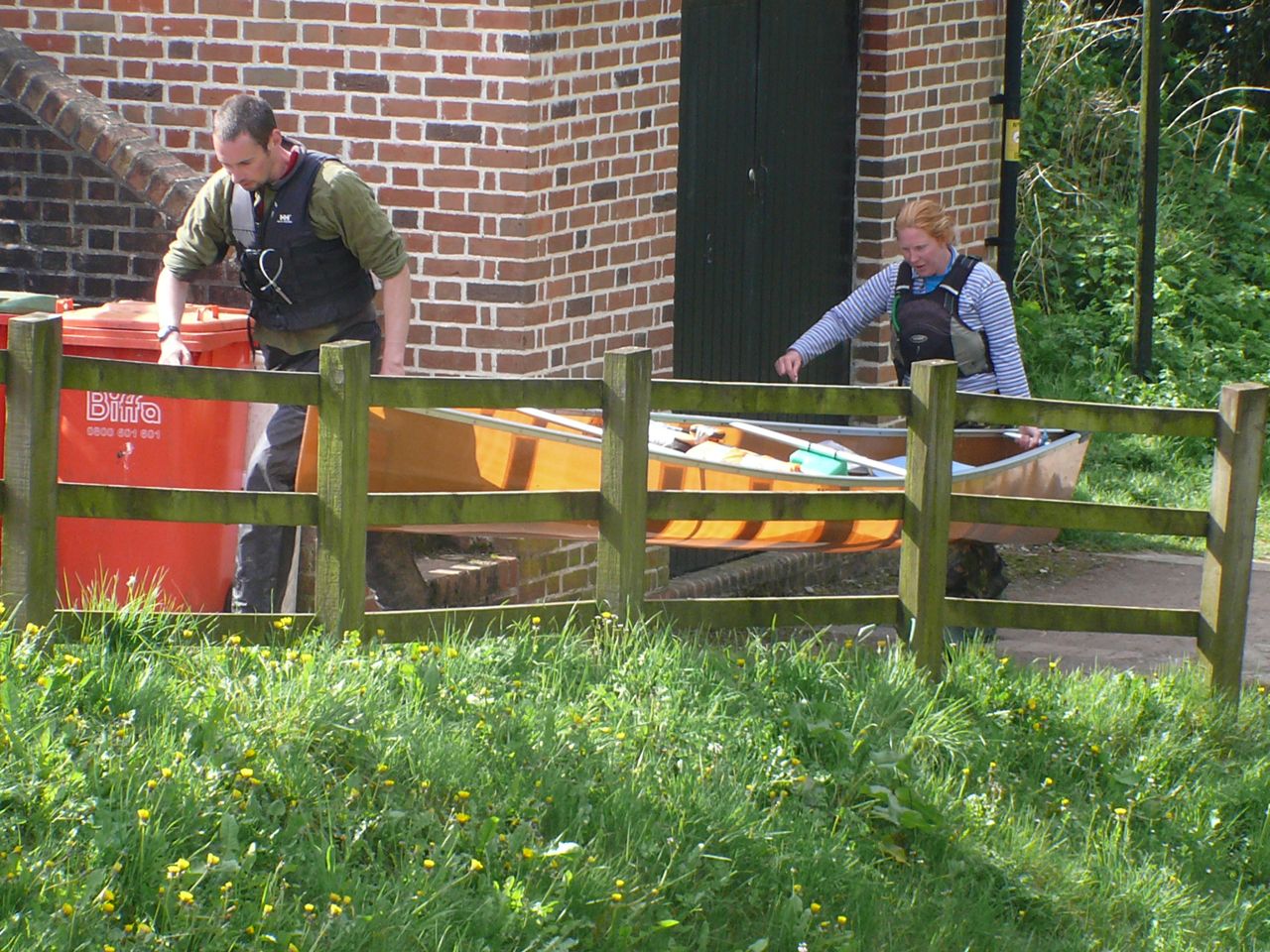
    Portaging is also your best chance to eat. It is one of the things that is very different from biking: in the boat your hands are always occupied with the paddle; on a bike, it only takes a short stretch of easy trail to stuff some food in your mouth. So, once the canoe was out of the water, we would often grab a bite of food and chew as we walked. Emily and I both went for a bag of sweet (chocolates, candy, etc) and a bag of savory (oat cakes, pastries, nuts), so that we could mix things up.

    portaging_2

    The Night

    This was to be the first time that Emily had done an event through the night. It ought to have been something that I would be good at. After all, I’ve ridden through the night on numerous occasions. But it didn’t work out that way at all…

    Through Newbury and onto Reading, we enjoyed a red-skied sunset. In one horrendous portage, the entry was from a mud flat underneath a bridge. Emily had got into the boat first, so that I could push her clear in my taller wellies. As I stepped forward, though, the bank ended and I was suddenly up to my thigh in the river. With no solid edge, the only solution was an ungainly crawl back onto the mud. Fortunately, I managed this quickly enough that the river water had barely made it through my waterproof trousers and boots, despite being way above the boots.

    evening

    The real darkness fell as we came into Reading. We lit up with head torches and my Exposure Diablo bike light on the bow. But the bright lights of the town crowded them out with an orange glow. Above us, laughter chattered invitingly. The smells of food and clean people wafted down, but we slipped along silently.

    Through Reading, we made it to the Marsport shop. This marked the point where we joined The Thames, and where we had made it through the final time cut-off of the race. We hoped to make it for the morning tide but, even if we didn’t, we would still be able to finish in Westminster eventually.

    Geoff and Babs had come down to see us with encouragement and DW cake (a rich, biscuity cake that Babs has been making for year and used on DW herself). So we took time to have our first real stop of the trip. Cold was creeping in, even on this relatively mild Easter, so it was time to dress up and press on.

    It wasn’t long after this, that I went to pieces. Muscles cramped up from the stop, joints decided to protest, eyelids and spirits fell. I kept paddling in some sort of fashion, while Emily seemed to stay strong. Caffeine pills and a little food did no good. By Henley, I was a real mess. So when we stopped, I had a big wodge of the DW Cake and a load of water. Suddenly the body started working again.

    Time stretched as we peered into the river. Is that a channel over on the left? No, it’s just a gap in the trees along the bank. What’s that white thing on the water? Quick, go left! It’s a reflection. There was a line of boats along the river, and you could often delegate the navigation to just following the lights ahead. But as the kayaks powered away, they would become hidden by meanders. Weirs would rumble from a nameless direction as we tried to find the channel. In one instance, I thought I could see the hi-viz of boats ahead of us and we started in that direction. Only to realise that the hi-viz was on the marker posts for the weir and a big red “caution” sign was on the edge of or view. None if it was really that dangerous in the end – we could always see in time to react – but the sense of dislocation was acute.

    For a while, we kept ourselves awake by chatting. Eventually, I disappeared inside myself and couldn’t chat. Paddling is so much less engaging than biking that my eyelids were drooping and my head dropping. We looked optimistically at the sky, bathed in lights from Marlow and Windsor, searching for a sunrise that was still more than an hour away. The distance travelled became irrelevant, the only goal could be to keep moving until the sun came up.

    When I did look at the GPS, the news was bad. We had slowed down a great deal and were not looking likely to make the morning tide. Despite the strong flow of the river, we were moving too slowly.

    As it always does, though, the sun did rise. And we were onto familiar territory. Food and sunlight brought some power back into our paddling and Emily predicted what times we would need to make at the next few locks. Suddenly, we were arriving ahead of those times. We zoomed past our club (Hampton Canoe Club), correctly taking the far side of the river to avoid rowers. Some of whom were actually encouraging us along. We could only wave and apologise to Carole and Clive who had come out at the club to see us past.

    stacked_hands

    PS check out the super-stacked hands in the photo above.

    The Tideway

    We had made it to Teddington in the nick of time. The remaining 17 miles was still a fair paddle, but an atmosphere of relaxation descended on the little pack of boats. We all felt sure that we would make it now. We dipped our paddles in the water, we chatted, we let the river flow, and then the retreating tide pull us along.

    But time and tide wait for no man. We were well into the outgoing tide, and soon it could turn against us. Spotting bridges and landmarks, the fatigue of the previous hundred miles took their toll. An hour in, we weren’t relaxed anymore, but we weren’t able to hurry either. Ferries passed, sending waves that slopped right over our bow and puddled water around my feet. Currents swooned around fixed barges, requiring caution to negotiate.

    When one sideways current thew us towards such a barge, we had to power our way out. No problem but, afterwards, the kayak behind had disappeared. Emily worried and wanted to phone race control to check on them. So, we drifted while she tried to call. No answer, so we paddled on, then tried again. Still no answer. Eventually, a boat became visible behind us. We dallied around until it caught us: the missing kayak. They had just stopped to stretch out their legs.

    We had not long moved on when we saw a kayak on the shore, with one kayaker too stiff to get out of their cockpit. They said they had called for help, but Emily wanted to turn around to be double-sure. They were OK, and took Emily’s advice to get as far up the bank as possible.

    Back on our way, the tide was hardly helping us at all and there were 3 miles to go. As Vauxhall bridge came into view, we were definitely fighting it. We saw more kayaks shored up, unable to make the last few miles. But there were safety boats buzzing around to take care of them now, all we could do was paddle on and try to get there before the tide overcame us.

    Waves came in sideways, bouncing off the high walls of The Albert Embankment and hitting us unpredictably. Now we were in a fight. Fatigue was replaced by adrenaline and we were sprinting the final 1/2 mile. Despite all our effort, I could see 2mph of forward progress on the GPS. Moving forwards, not giving in, not slowing down. Westminster Bridge inched forward, the steps at the finish came into view, and finally – finally – we were in.

    tide

    Massive thanks to:

    Emily for organising pretty much everything, keeping us going, and being awesome.

    Pete for supporting us and following along the whole course to be there with us.

    Geoff and Babs for lending us their amazing canoe, for bringing us DW Cake at Reading, and for supporting us around the event as well.

    Ainsworth Paddles for providing us with carbon paddles to use. When we went out with an array of different paddles, their new ones were undoubtedly faster and lighter than any other combination we tried. And they made storm-trooper helmets for Star Wars. It doesn’t get any more geek-tastic than that.

    .finish

    What’s Next?

    Of course, an adventure is not an adventure without a more ridiculous adventure in the pipeline. So, for our next canoe event, we’ll be taking on The Yukon 1000.